In today’s fast moving digital world, mobile apps rely heavily on visuals to communicate quickly and clearly with users. Among these visual elements, custom icons play one of the most powerful roles. They guide users, enhance readability, improve navigation, and make your overall user experience feel more intentional and professional.
If you’re building or redesigning a mobile app, investing in custom icons can transform your interface from ordinary to outstanding.
What Are Custom Icons for Mobile Apps?
Custom icons are specially designed graphics created to match your app’s style, purpose, and brand identity. Unlike generic icon sets, custom icons are tailored to:
- Your app theme
- Your brand colours
- Your target audience
- Your design language (flat, 3D, outline, minimal, bold, etc.)
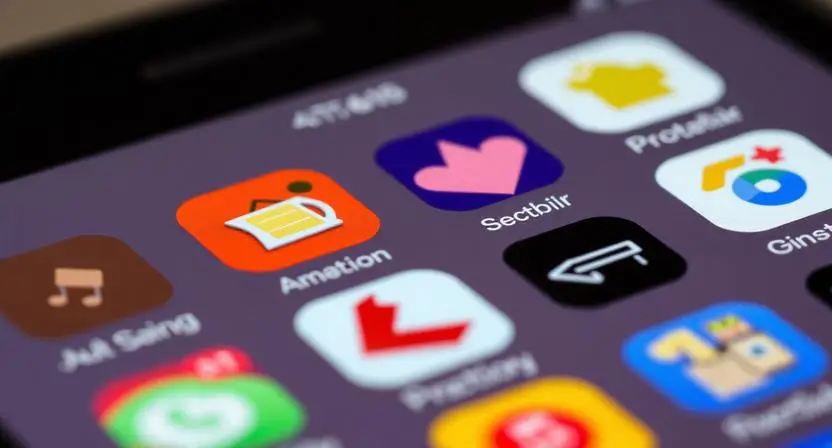
They help you establish a unique look and feel that users instantly recognise.
Why Custom Icons Are Essential for Mobile Apps
1. Strengthen Brand Identity
Custom icons reinforce your branding through consistent shapes, colour tones, and styling. This makes your app more memorable and visually cohesive.
2. Improve User Navigation
Icons act like visual shortcuts. Well-designed icons help users quickly understand:
- What a button does
- Where to go next
- How to interact with your features
This improves usability and reduces confusion.
3. Enhance Visual Appeal
A clean and modern icon set makes your UI look polished. Attractive visuals also increase user engagement and satisfaction.
4. Offer Better Consistency
Generic icons rarely match perfectly. Custom icons ensure every element shares the same design structure, making your app feel professional and unified.
5. Stand Out in a Competitive Market
Millions of apps exist today. Custom icons help your app feel authentic and different, which can improve user trust and brand credibility.
Popular Styles of Custom App Icons
Depending on your app theme, you can choose from:
- Flat Icons: Simple, modern, clean
- Outline Icons: Minimal, elegant.
- Filled Icons: Bold and easy to notice
- 3D and Gradient-Style Icons: Modern, eye-catching visuals for premium UI design
- Hand-Drawn Icons: Creative and unique
- Neumorphic Icons: Soft and futuristic
Choosing the right style increases the overall visual harmony of your app.
Where Custom Icons Are Used in Mobile Apps
Custom icons appear in many UI elements, such as:
- Navigation menus
- Bottom bars
- Action buttons (like share, save, delete)
- Profiles & settings
- Notifications
- Onboarding screens
- Feature highlights
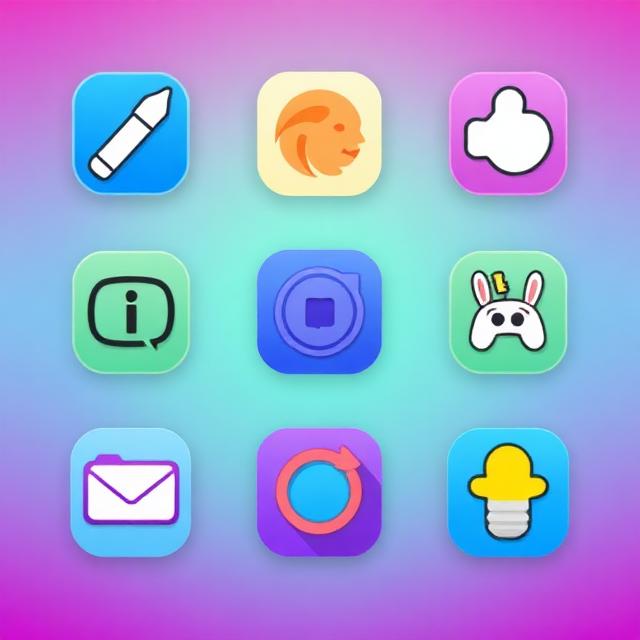
Every icon contributes to the user’s experience.
Tips for Creating Effective Custom Icons for Mobile Apps:
- Keep icons simple and easily recognisable.
- Use consistent stroke width and proportions.
- Stick to your brand colours and theme.
- Test icons in light and dark mode
- Ensure icons match the personality of your app.
Small details can make a big difference in how users feel about your layout.
Conclusion:
Custom icons are more than decorative graphics they are a vital part of mobile app design. They enhance usability, reinforce your brand, and elevate your interface to a professional level. Whether you’re building a productivity app, a shopping platform, or a creative tool, the right custom icon set can significantly improve the user experience.
If your goal is to create a modern, clean, and engaging app, investing in custom icons is one of the smartest choices you can make.